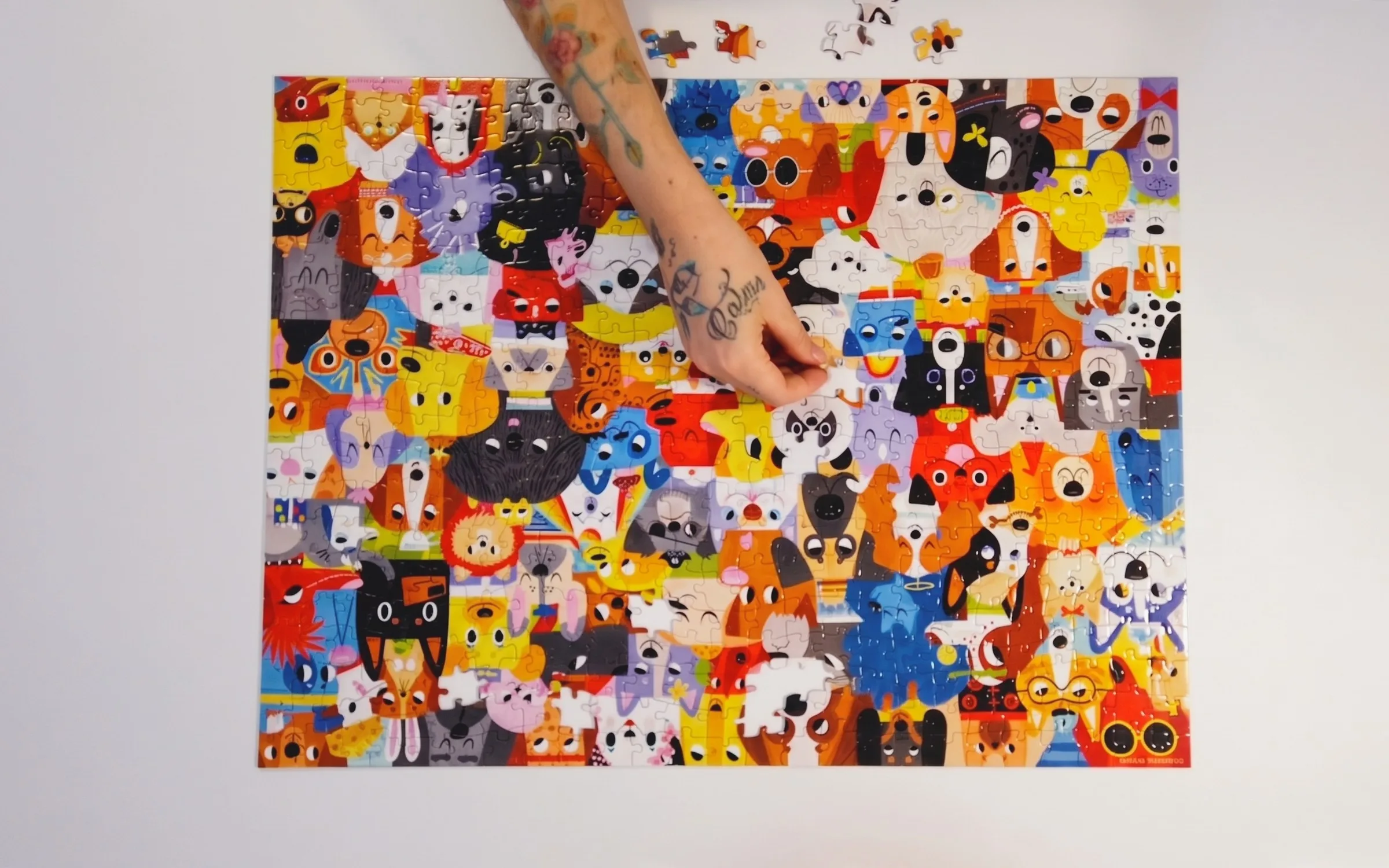
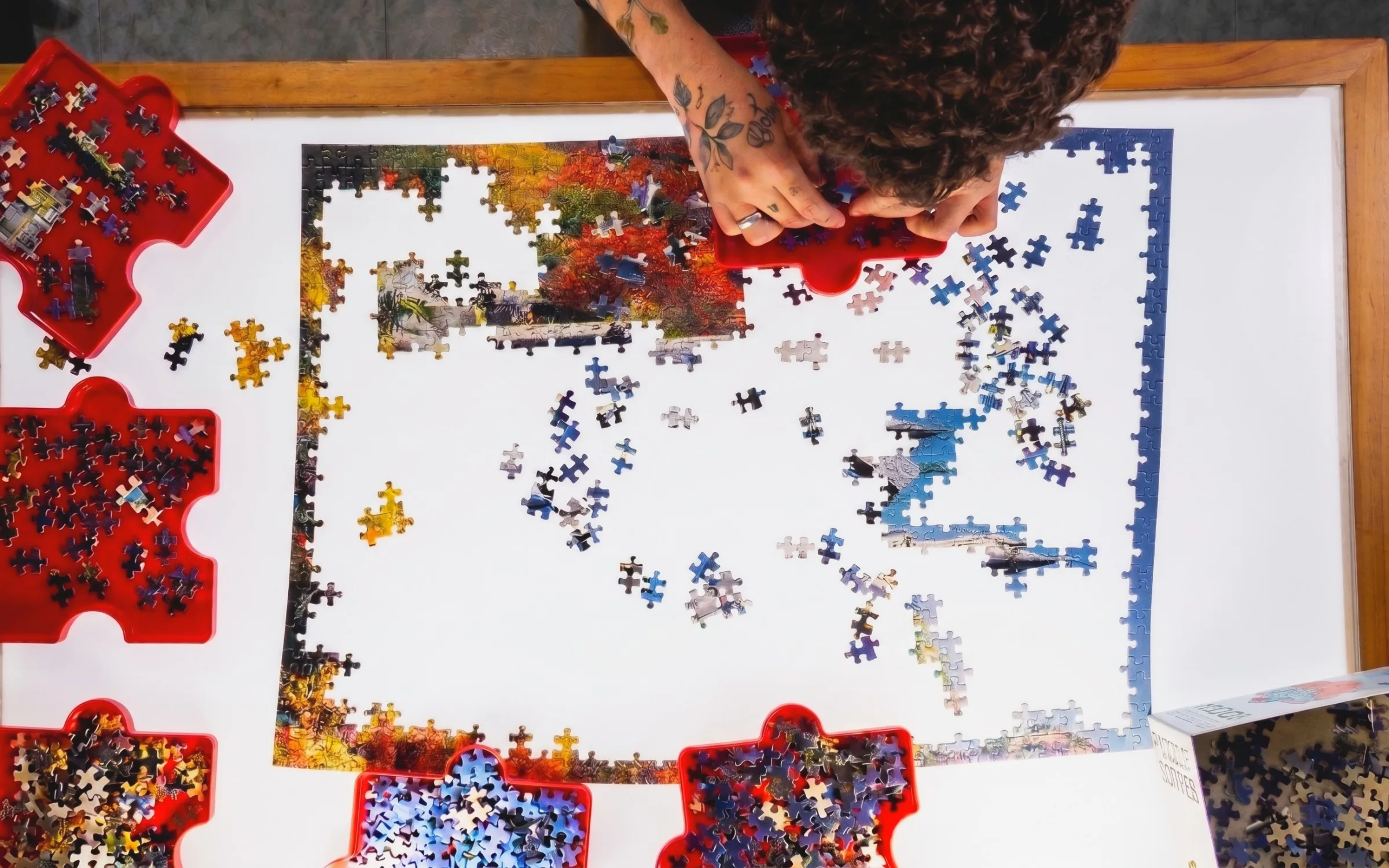
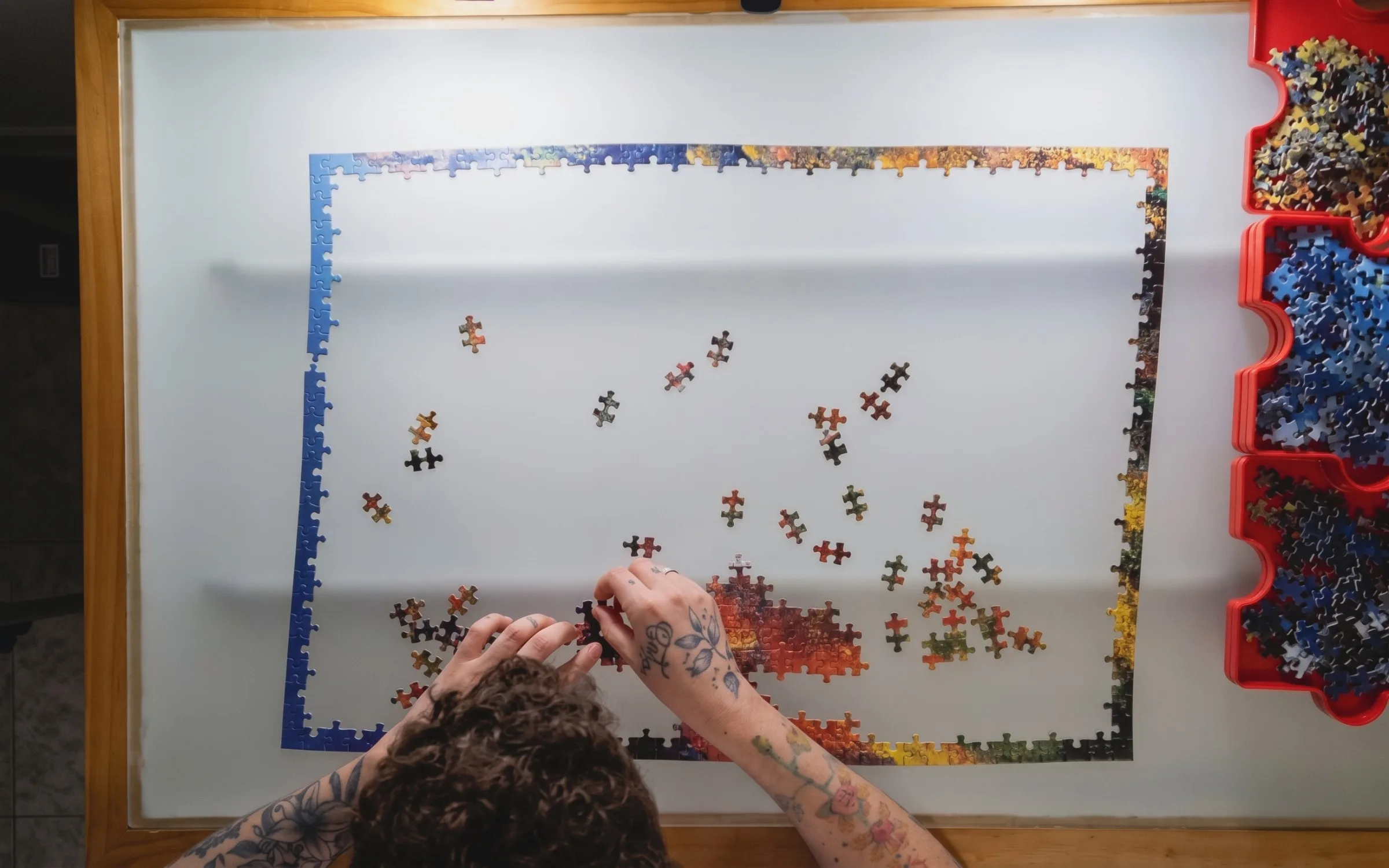
Jigsaw puzzle online with friends: how to build the same one at the same time
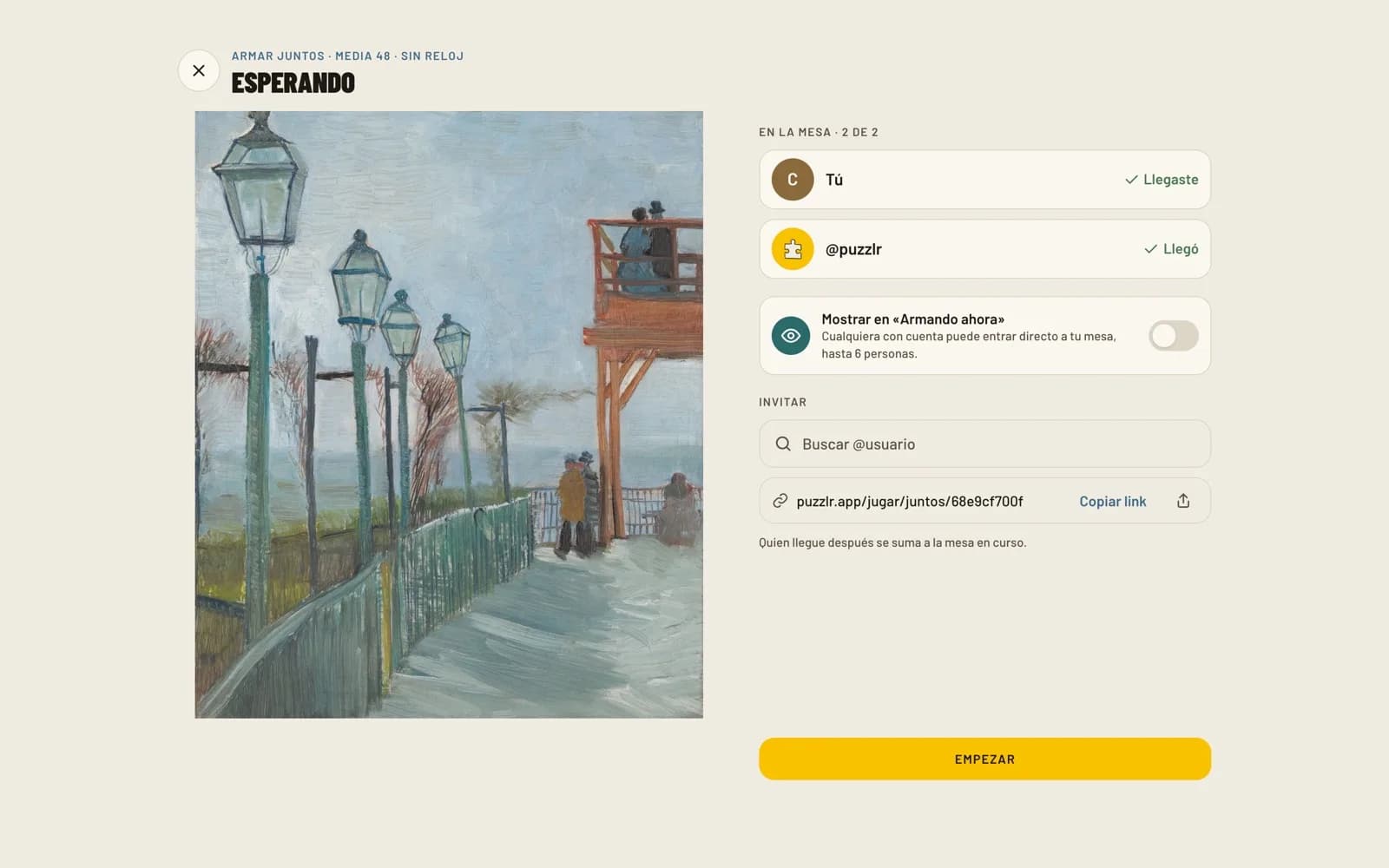
If you're looking for a way to share your favorite hobby from a distance, Puzzlr's co-op feature is the answer. On Puzzlr, you just open a table, choose the artwork and the number of pieces, and invite up to 5 people or share the link. This way, you can do the same jigsaw puzzle at the same time, each from your own home, where everyone sees live which piece the other person is moving. Tables range from 24 to 500 pieces, and everything happens right in your browser by going to puzzlr.app/jugar, with no installation required.
How to do puzzles with friends, step by step
Doing puzzles as a group is very simple. You just need a free Puzzlr account and to follow these steps on our website:
- Go to the play section with your account.
- Choose the artwork you like best: explore the gallery by categories, use the search bar by artwork or artist, or try a surprise artwork.
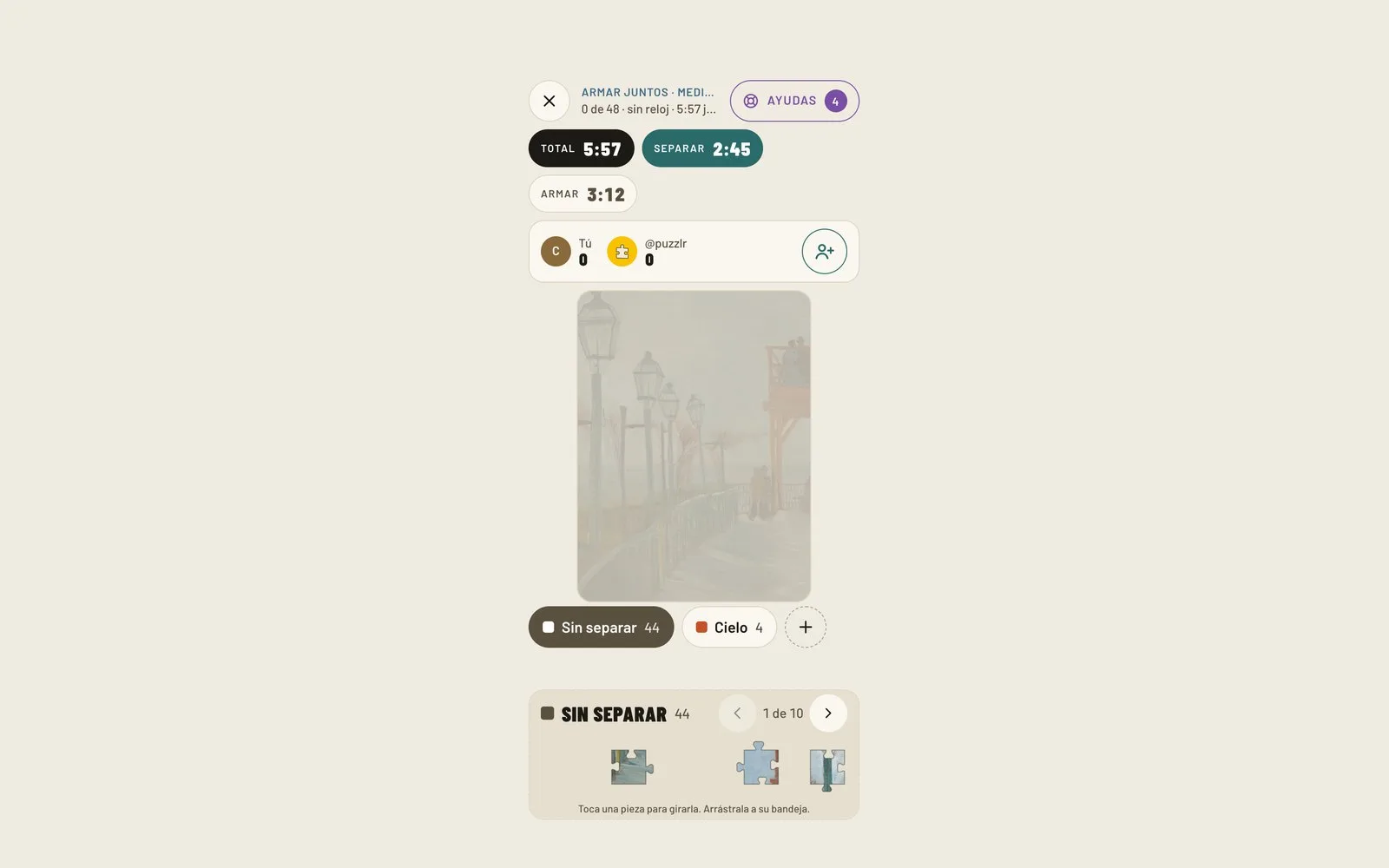
- Select the number of pieces: 24, 48, 100, 200, 300, or 500. Keep in mind that if you play from your phone, the maximum is 200 pieces so they look good; the 300 and 500-piece formats are reserved for tablets or computers.
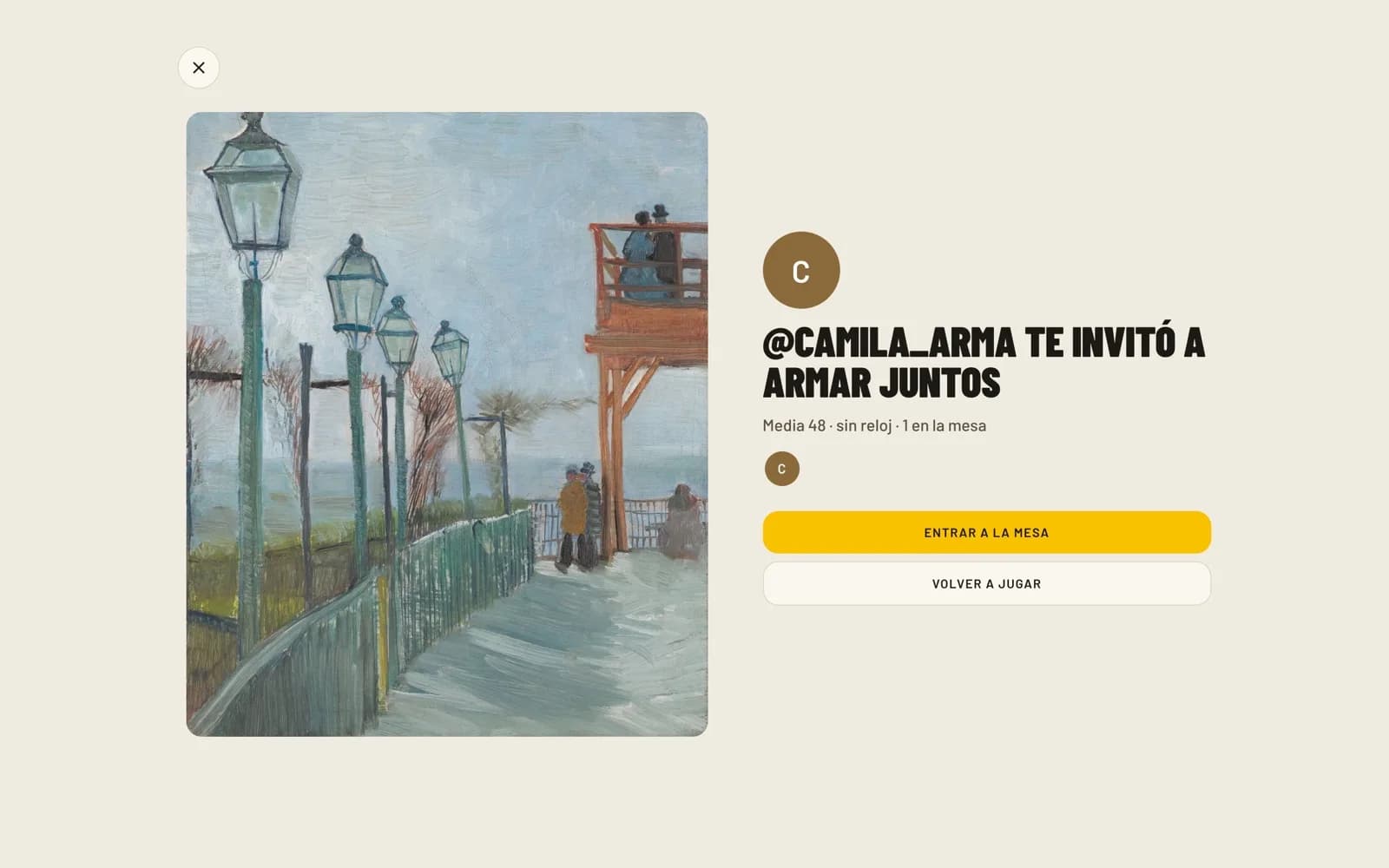
- Invite your friends: you can directly invite up to 5 people you follow on the platform, or simply copy the table link and send it wherever you want.
- Start puzzling! Whoever joins is added to the ongoing table, so you can start while the others arrive.
You can even start puzzling by yourself and open the table at any time; if someone joins with your link, you keep puzzling and the other person jumps right in. As a technical note to keep things running smoothly, each person can open up to 12 tables per hour.
How many people can puzzle at the same time?
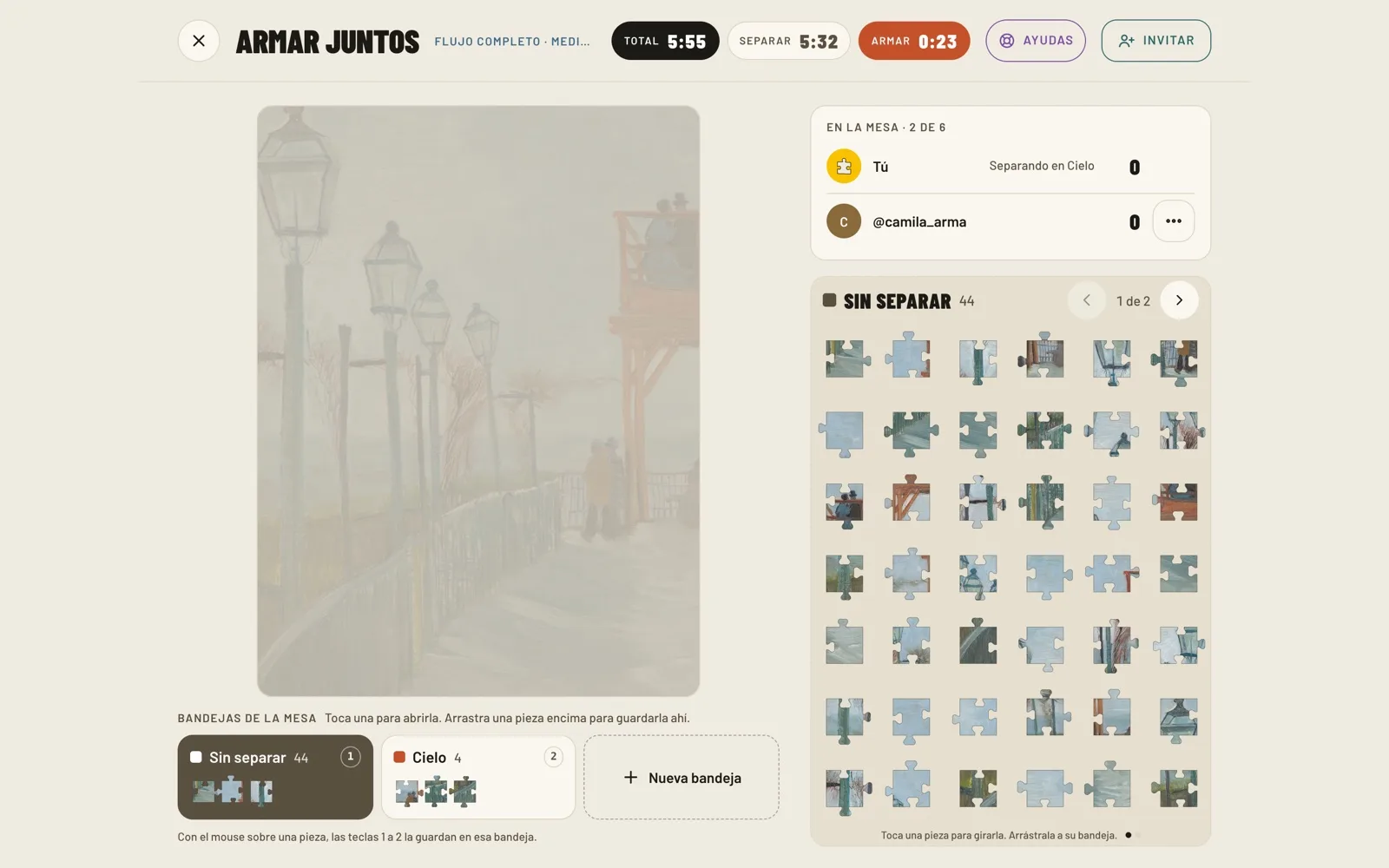
On Puzzlr, a table holds up to 6 people simultaneously. This means you can have anything from a quiet session as a couple to a 500-piece challenge among six friends. If the table reaches 6 people, it will show as full for any additional guests.
Can I puzzle with people I don't know?
Yes, if the person who opens the table decides to show it. The "Puzzling now" section displays the currently open tables that their owners chose to show. Anyone with an account can jump right into your table, up to the 6-person limit.
It's a collaborative space where no one competes; everyone puzzles together. Plus, your privacy is protected: only your username (@) is shown at the table, never your real name.
Tips for group puzzling
If it's your first time puzzling as a team, here are some recommendations to make it go smoother:
- There isn't one highly recommended way to divide the work: try assigning everyone a zone, or have everyone in the same area, and stick with what works best for you.
- Start with what stands out most in the image and leave the sky or solid backgrounds for when there are already neighboring pieces put together. You can find more comprehensive techniques in our guide on how to do a 1,000-piece puzzle.
- If your goal is speed or you are competing as a pair, the most common advice is to practice together beforehand, since everyone puzzles differently, as recommended by Completing the Puzzle.
What happens when you finish?
Once the last piece is placed, the finished table is saved in your history. Additionally, if the person who opened the table turns on the «Post to the feed» switch, it will appear in the feed of those who follow any of the people who participated. At the end of the session, you'll be able to see who you puzzled with and follow them to find them in your feed the next time they open a table.
If you're left wanting more, you can try our Daily Jigsaw Puzzle, a solo challenge featuring new artwork every day that can be completed in minutes without needing an account. And if you prefer physical puzzles, remember you can download the free Puzzlr app on the App Store or Google Play to keep track of your times and photos.
Frequently asked questions
-
How to do an online jigsaw puzzle with friends?
You just need to create a free Puzzlr account, go to play in your browser, choose an artwork and the number of pieces, and share your table link with your friends.
-
Can you do an online jigsaw puzzle for two?
Yes, you can create a table and share the link just with that person to puzzle as a couple.
-
How many people can puzzle together?
Up to 6 people can participate at the same time at a single table.
-
Can you do it from a phone?
Yes, you can puzzle from your phone, but with a limit of up to 200 pieces to ensure they look good on the screen. The 300 and 500-piece tables are exclusive to tablets and computers.
-
Do you have to install anything?
No, everything is done right in your web browser by going to puzzlr.app, with no need to download or install anything.
-
Can I puzzle with people I don't know?
Yes, through the "Puzzling now" section you can join ongoing tables that other users chose to show, or make yours public so anyone with an account can join.